WooCommerce Shortcode Generator
Build WooCommerce shortcodes visually, preview the layout, or describe what you need to configure the tool for you.
Your shortcode
Ready to copy[products limit="8" columns="4" category="hoodies,t-shirts"]Copy this shortcode, then paste it into a WordPress Shortcode block, an Elementor Shortcode widget, or the Classic Editor. No PHP installation is needed for this built-in shortcode.
Prefer a WooCommerce block?
Block alternative: Product Collection → Create your own. Match the filters, sorting, columns and products per page above.
Layout preview
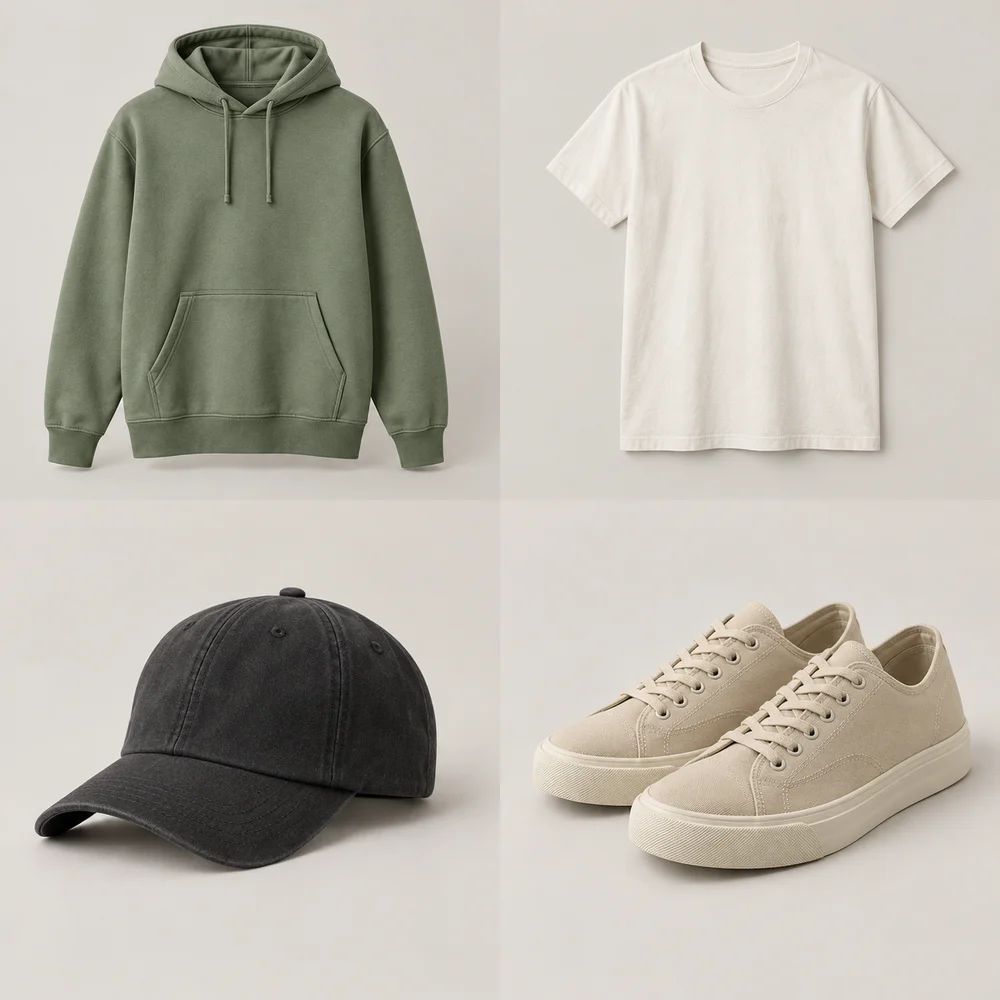
Classic hoodie
$24
Add to cartEveryday tee
$31
Add to cartCotton cap
$38
Add to cartCanvas sneakers
$45
Add to cartClassic hoodie
$52
Add to cartEveryday tee
$59
Add to cartCotton cap
$66
Add to cartCanvas sneakers
$73
Add to cartAI-generated sample product photos. No live store data. Your theme controls styling and mobile columns; the currency here is for sample prices only.
The [products] attributes
| Attribute | What it does |
|---|---|
limit, columns, paginate | How many products, how many per row, and page links |
orderby, order | title, date, price, popularity, rating, rand, menu_order or id; ASC or DESC |
category, tag + cat_operator, tag_operator | Slugs, matched with IN, AND or NOT IN |
attribute, terms, terms_operator | An attribute slug and its term slugs |
ids, skus | Exact products |
visibility | visible, catalog, search, hidden or featured |
on_sale, best_selling, top_rated | Choose one special collection at a time. Category and tag filters can narrow it further. |
class | A wrapper class for your own CSS |
The builder includes your product limit and columns explicitly, then adds the filters and options you select. Empty or invalid required fields are flagged before copying.
Using it, or the block instead
- 01
Block editor
Add a Shortcode block and paste the shortcode.
- 02
Page builders
Use the builder's shortcode or text widget.
- 03
Block themes
Consider the Product Collection block instead. The tool tells you which collection and filters match your shortcode.
Find slugs under Products → Categories, Products → Tags and Products → Attributes. Product IDs show when you hover over a product in Products.
Create a custom shortcode with AI
- 01
Describe the result
Use the request box above the builder to describe what visitors should see. Ordinary requests update the existing controls immediately; custom requests add the controls they need in the same workspace.
- 02
Edit your settings
Adjust the controls for your request. Custom configurations can include grouped fields, conditional options and repeatable items or filters. Enter any missing product IDs, category slugs or text. Change your description above whenever you need a different result.
- 03
Copy the result
Built-in shortcodes work immediately with WooCommerce. Custom shortcodes also include PHP to register them: review and test it on staging, install it using Code Snippets, then paste the shortcode into your page.
The layout preview uses sample content, not your store. AI requests and form values are sent to our AI provider; never include passwords, API keys or private customer data. Generated PHP is not executed or tested against your store by this tool.
Questions people ask
Can AI generate a WooCommerce shortcode from a description?
Yes. Describe what you need above the builder. Supported requests configure the existing controls and produce a shortcode directly. Custom requests show editable controls in the same workspace and include the PHP registration snippet they need. Requests outside the tool’s supported behaviour receive an explanation.
Why does a custom shortcode need PHP?
WordPress only understands registered shortcode names. A new custom shortcode needs a PHP callback installed through a plugin such as Code Snippets or a child theme. Adding the shortcode text alone will not register it.
Does the preview connect to my store?
No. It demonstrates layout using sample products and prices. Your WooCommerce theme controls the final appearance, and live products, stock, prices and customer state come from your store.
What are WooCommerce shortcodes?
Short tags like [products] that WooCommerce turns into product grids and other store elements wherever you paste them.
How do I show products from one category?
Use category="your-slug". For several, separate slugs with commas and set cat_operator to IN (any) or AND (all).
Why does my on_sale shortcode show nothing?
Check that matching products are published, visible and actually on sale, and that your category slugs are correct. Use only one of on_sale, best_selling and top_rated at a time.
Should I use shortcodes or blocks?
Blocks are WooCommerce's recommended approach for new pages, but shortcodes still work and suit page builders and classic themes.
Related tools
Want this builtinto your store?
I'm Emmanuel, a Shopify and WooCommerce developer. If this tool pointed at something you'd rather have fixed for you (a faster store, cleaner product data, a migration, a custom feature), send me a note.

Emmanuel Asika
Shopify & WooCommerce developer, Dublin
I build and fix online stores: new builds, migrations, speed, SEO and the custom bits apps can't do.